Create and delete a place
A place groups together the gauges of the same building or site: you will find their measurements, plans, reports and ground data there.
Create a place
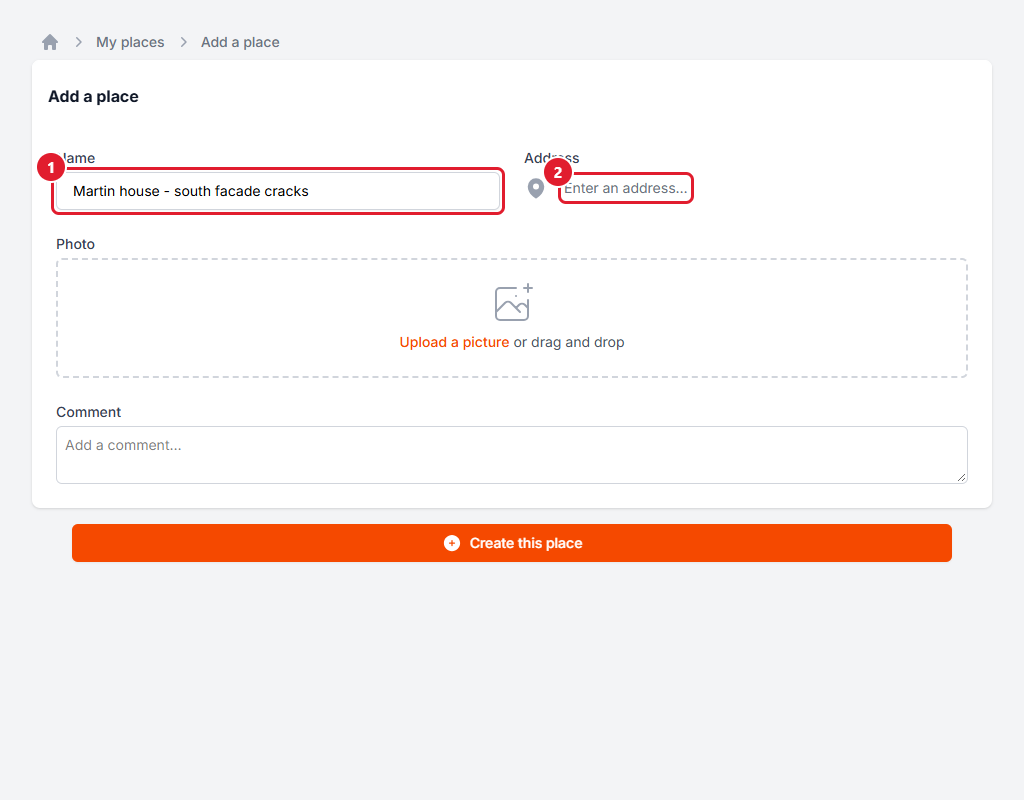
- Open My places, then click Add a place at the bottom of the page.

- Give the place a Name (1): it is the only required field.
- Click Enter an address… (2).
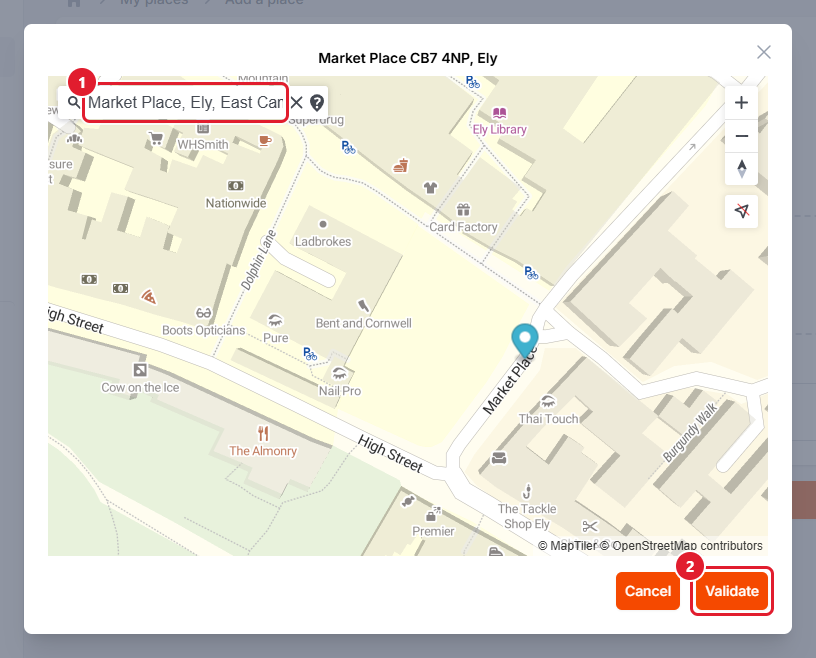
→ A map opens.
- Type the address in Search (1) and choose it from the list. You can also drag the marker to the exact location of the building.
- Click Validate (2).
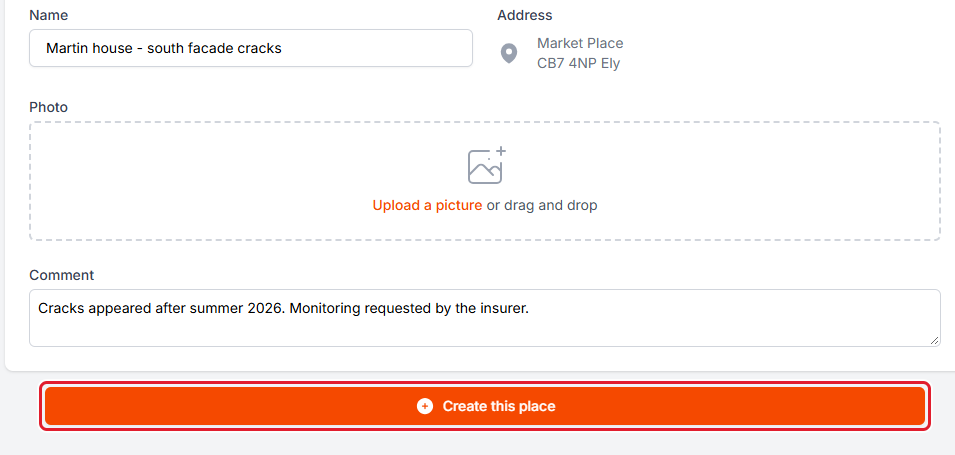
- If you wish, add a Photo and a Comment.
- Click Create this place. → The page of the new place opens: you can add your gauges to it.
Delete a place
- Open the place, then its ⋮ menu (top right).
- Click Delete.
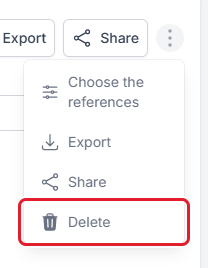
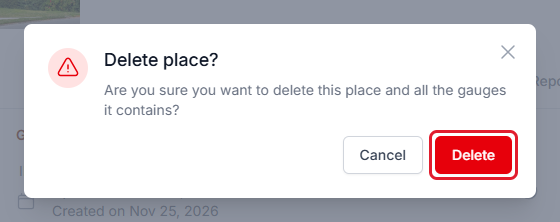
- Confirm with Delete. → You return to My places.
Restore a gauge from a deleted place
- Open My gauges, then the ⋮ menu and Show deleted gauges.
- Open the gauge, then click Restore.
- Choose the place to put it in. → The gauge returns to your workspace with all its measurements.
A place that contains wireless gauges
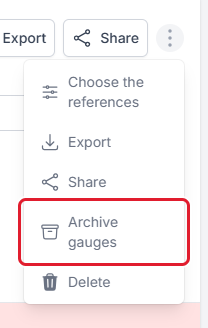
As long as a place contains wireless gauges in service, you cannot delete it: the message Unable to delete place appears.
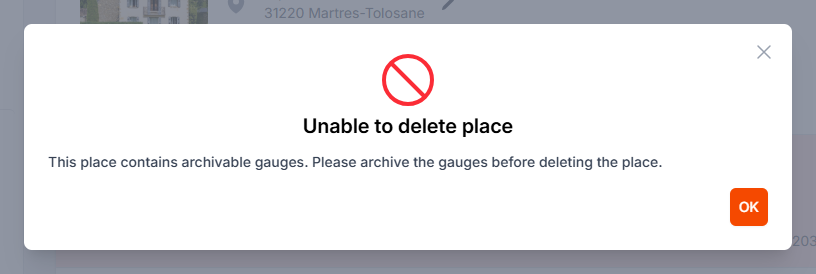
Archive these gauges first: in the ⋮ menu of the place, click Archive gauges. Their data remain available, and each gauge can then be reused on another place. See Archive a gauge to reuse it.